 Cinder
 Bilbo
Bilbo Haplo AI
 Barrier
 ShipHappens
 Haplo AI Investing
 Markdown2PDF
 EasyLogo
 Annot8
How to Block Apps While Studying
Most phone checks start with you, not a notification. Here's what the research on phones and studying does and doesn't show, and an exam-season blocking schedule you can set up in any app blocker or in your iPhone's own settings.
You sit down with three hours blocked out for revision, and your phone takes a slice of every one of them. It’s rarely a buzz that starts it. In a study that followed 37 people through their everyday lives with wearable cameras, 89 percent of the 1,130 phone interactions caught on camera were started by the user, not by a notification, and the rhythm came out at roughly one minute on the phone every five minutes.
That’s why silencing notifications only goes so far: it deals with about one pickup in nine. The rest is habit, so this guide is about how to block apps while studying: deciding in advance when the distracting ones are off, and making that decision slow to undo. First, what the research on phones and studying actually shows, including the famous findings that haven’t held up. Then a study mode you can build, with an exam-season schedule.
We make Barrier, a free app blocker for iPhone, but everything here works with any blocker, or with the Focus and Screen Time settings already on your phone.
What the research says about phones and studying
Phones in class show up in exam scores
The clearest evidence comes from classrooms. In a Rutgers experiment with 118 cognitive psychology students, laptops, phones and tablets were banned in half the lectures and allowed in the other half. Having devices didn’t lower scores on comprehension tests during the lectures. It did lower scores on the end-of-term exam, by at least 5 percent, or half a grade. And when devices were allowed, students who didn’t use one did worse too. The researchers’ reading is that divided attention mainly hurts long-term retention, which is what an exam tests.
A correlational study points the same way. When researchers logged students’ actual internet use through a proxy server during an introductory psychology course, non-academic browsing in class was common and went with lower performance in the course, even after accounting for intelligence, motivation and interest in the subject. Class-related browsing didn’t help.
Notifications cost attention even when you ignore them
In a 2015 lab study, phone notifications alone disrupted performance on an attention-demanding task, even though participants never touched their phones, and the drop was comparable to that seen when people actively called or texted. A 2022 study using EEG also found slower responses on trials paired with a smartphone notification sound than with a control sound. Both are short lab tasks. They show that a buzz costs attention, not how much that adds up to over an evening of revision. And buzzes start only a minority of checks. In the wearable-camera study, the gaps between checks stayed about the same at work and at leisure, and the authors put the disruption down to learned behaviour, not the devices.
Does having your phone nearby hurt? The brain drain study
The most-shared finding in this area is the 2017 “brain drain” study. Adrian Ward and colleagues at the University of Texas at Austin tested nearly 800 people with their phones face down on the desk, in a pocket or bag, or in another room. People whose phones were in another room did significantly better than those with the phone on the desk, and slightly better than those with it in a pocket or bag. Whether the phone was on or off made no difference.
It hasn’t held up well. A preregistered direct replication of the second experiment, using the same tasks and conditions, found no difference between phone locations. Two meta-analyses have since pooled the research:
- Böttger and colleagues (2023) combined 22 studies of smartphone presence and use: a small overall negative effect (Hedges’ g of −0.14), significant for memory tasks only, not for attention or general cognitive performance.
- Parry (2024) ran six meta-analyses on mere presence alone, covering 7,093 participants. Only working memory showed a significant effect. The review found generally poor statistical power in the field and concluded there is limited support for a brain drain effect, smaller than first theorised.
So moving your phone out of the room is worth doing, because it costs nothing, but it’s the weakest part of the plan. The stronger evidence is about what happens when you use the phone.
Is heavy phone use wrecking your attention span?
A 2009 finding that heavy media multitaskers are worse at filtering out distractions has fared no better. Two replication studies and a meta-analysis question it. Only 5 of 14 replication tests showed the effect (2 in a stricter Bayesian analysis), and across 39 effect sizes the association was weak and stopped being significant after correcting for small-study effects. The better-supported cost is attention lost in the moment, while the phone is in play. That’s the part a block can fix.
Why a block beats willpower
Some of the best evidence for blocking comes from economics. In a randomised experiment with 1,938 US adults on Android phones, Hunt Allcott, Matthew Gentzkow and Lena Song let one group set daily time limits for any app on their phone, and tracked six especially tempting ones: Facebook, Instagram, Twitter, Snapchat, web browsers and YouTube. In most cases the limits couldn’t be overridden on the spot, unlike what the researchers called the flexible limits in Screen Time and Android’s Digital Wellbeing at the time. No one was paid to use them, yet 78 percent set limits tight enough to bite and kept them through the final weeks. Over 12 weeks, the limits cut time on those six apps by 22 minutes a day, or 16 percent. The authors estimate that self-control problems account for 31 percent of social media use: time people wouldn’t have chosen to spend if they’d decided in advance.
Friction helps too. In a six-week field study of 280 people using an app that interrupts chosen apps with a pop-up (a short wait, a prompt to reflect and the option to back out), people gave up on 36 percent of their attempts to open a target app. By week six they were trying to open those apps 37 percent less often than in week one, and actually opening them 57 percent less. In a follow-up experiment, the option to back out had the strongest effect and the delay also cut use, while the prompt to reflect wasn’t effective. One of the authors created the app that was studied, which the paper declares.
How to block apps while studying
A study mode for your phone comes down to three things working together: a block on the apps that pull you in, a schedule that switches it on by itself, and a Focus that quiets notifications.
1. Choose what to block
Block the apps that pull you in, not everything with a screen. For most people that’s social media, short video, games, news and, if that’s where you drift, the web browser. Keep the tools you study with: calculator, dictionary, your course or school portal, a flashcard app, the authenticator you need to log in, maps, the clock and phone calls. If you revise on a laptop, block the same things there.
2. Put it on a schedule
Let the block switch on by itself for the hours you plan to study, so the decision is made once, in advance, rather than every time the urge arrives. The next section has a schedule to copy.
3. Quiet notifications with a Focus
A block stops you opening apps. It doesn’t stop messages lighting up the screen, and a Focus handles that on an iPhone. In Settings, tap Focus, tap the + button, then tap Custom, and name it Study. Choose which people and apps can still reach you, and tap Add Schedule to turn it on at set times. You can also allow calls from your emergency contacts and repeated calls (two or more from the same person within three minutes), so anyone who really needs you gets through. A Focus only filters notifications. It doesn’t lock apps, so on its own it leaves alone the pickups you start yourself.
4. Make unlocking slow and short
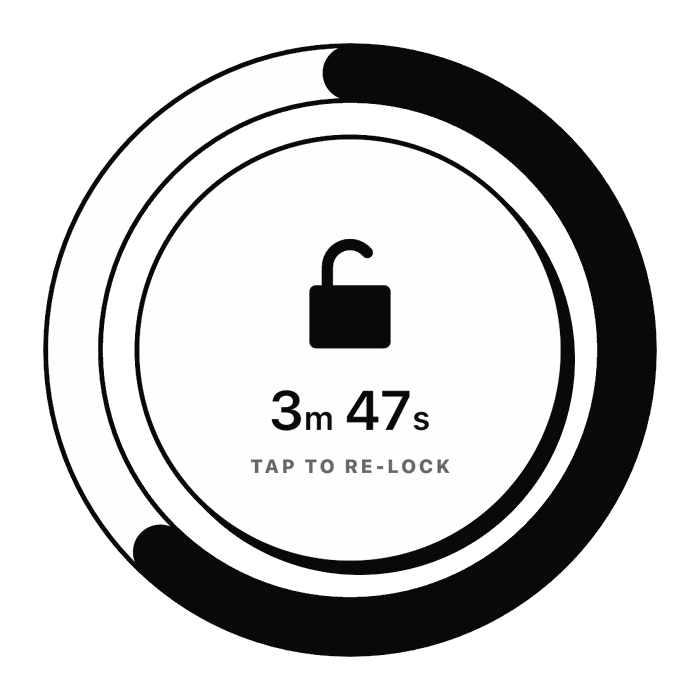
Sometimes you’ll need a blocked app mid-session: the group chat about which room the exam is in, or a lecture video. Set the block up so that’s possible but deliberate: a wait before the block lifts, then a short window of 10 minutes or so, after which it comes back on by itself. The friction study above suggests that the wait and the chance to change your mind do real work.
5. Take your breaks away from the phone
Timed breaks beat winging it, at least in the one study we found that tested them. Biwer and colleagues had 87 university students do a day of real self-study with self-chosen breaks, a 6-minute break after every 24 minutes (the Pomodoro pattern), or a 3-minute break after every 12. Those who chose their own breaks studied and rested in longer stretches, and reported more fatigue and distraction and less concentration and motivation. All three groups got through the same amount of work; the timed groups appeared to do it in less time.
Where you spend a break matters too. In an experiment with 414 people solving anagrams, those who took their mid-task break on a phone were slower and solved fewer anagrams afterwards than those whose break was on paper or a computer. So keep the block running through short breaks: stand up, get water, look out of a window. Save the phone for the longer gaps between blocks.
An exam-season blocking schedule
This is our suggestion, not a protocol from a study, built for revision days when you set your own hours. Every block uses the same list of blocked apps, so it works in any blocker with schedules.
| Schedule | Days | On | Off |
|---|---|---|---|
| Morning study | Monday to Saturday | 09:00 | 12:30 |
| Afternoon study | Monday to Friday | 13:30 | 17:00 |
| Night | Every day | 22:30 | 07:00 |
That leaves your apps open before 09:00, over lunch, from 17:00 to 22:30, on Saturday afternoon and on Sunday until the night block. Inside each study block, take short timed breaks off the phone (more on timing in the questions below).
Adjust it to your week:
- Class days. Replace the two study blocks with your timetabled classes, and add one evening block, say 19:00 to 21:00.
- Exam week. Keep the night block exactly as it is. In an MIT study of 88 chemistry students who wore activity trackers, sleep in the month and the week before a test was linked with better grades, and sleep measures accounted for nearly 25 percent of the variation in performance. Sleep on the single night before a test wasn’t. It’s a correlation, but a good reason to protect sleep across the whole revision period, not just the eve of the exam. Our guide to why your phone keeps you up covers the bedtime side.
- A day off. Sunday has no study blocks on purpose. A plan you can keep up through exam season beats a stricter one you abandon in the first week.
If you’d rather not install anything, iOS 27’s Screen Time can do a version of this. In Settings, tap Screen Time, then Screen Time Schedule, and turn on Schedule. Tap Add Schedule, choose your study days, set up a time window for each block, then choose which Time Allowance categories, such as Social Media, Entertainment or Games, are available in each window. Apps and contacts on your Always Allowed list stay available throughout. Apple says these features need iOS 27 or later on all your Apple devices. Our guide to iPhone Screen Time goes through every setting.
What to do inside the blocks
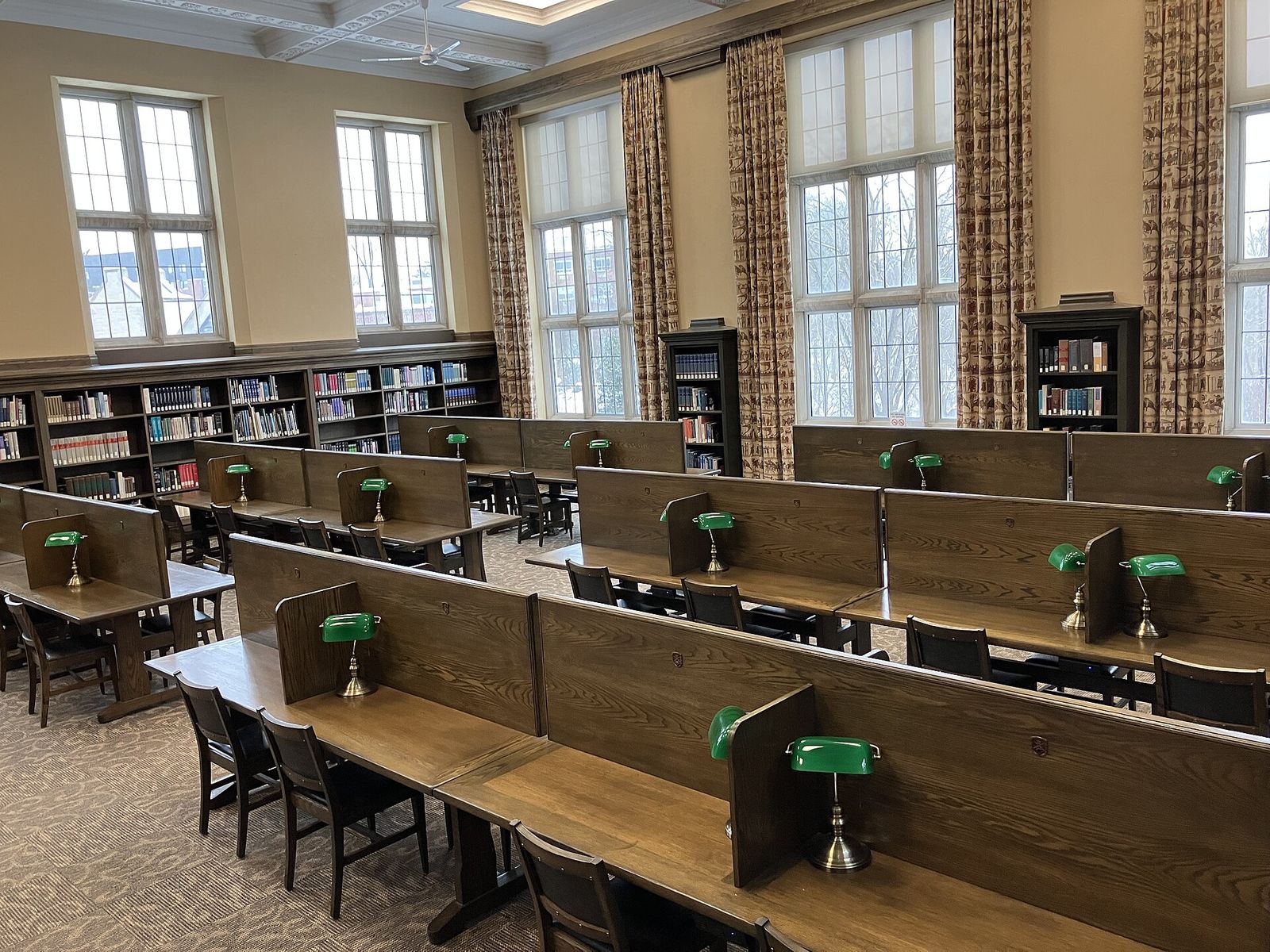
A block only clears the time. What you do with it matters more. In a review of ten common study techniques, practice testing (flashcards, past papers, quizzing yourself) and distributed practice (spreading the study of a topic over several sessions) were rated as the most useful, and highlighting and rereading as among the least.
On spacing, a study of more than 1,350 people found that when the final test came a week after a review session, the best gap between first learning the material and reviewing it was about 20 to 40 percent of that week. For a test a year away, it was about 5 to 10 percent of the year. In practice: for an exam a week out, come back to each topic a couple of days after you first cover it; for exams further away, leave longer gaps.
Studying with your phone: common questions
Should I put my phone in another room while studying?
Yes, as long as you can still hear any calls or alarms you need. It’s free and adds a little friction, but the evidence for the brain drain effect is much weaker than the headlines suggested, so don’t rely on it. Blocking the apps does more, because most checks start with you.
Is it better to turn off notifications or block apps?
Do both, because they do different jobs. Notifications started only about one pickup in nine in the wearable-camera study, so turning them off leaves most checks untouched. A scheduled Focus for notifications plus a scheduled block for apps covers both.
How long should I study before taking a break?
There’s no proven best interval. In the study above, 24 minutes on and 6 off, or 12 on and 3 off, beat choosing breaks as you went, for mood and efficiency. We’d start with 25 and 5, and stretch to 50 and 10 once you’re settled into longer problems or essays.
Can I use my phone to study without getting distracted?
Yes, if the study app is the only thing it will open. Keep your flashcard app, textbook app or course portal off the blocked list and block the rest, so opening the phone for flashcards doesn’t give you a way into a feed. If you keep lifting the block to use the same study app, take that app off the blocked list.
How we made this
The research comes from the papers’ abstracts, and their full texts where we could read them. For the brain drain study and the Rutgers classroom experiment we worked from the universities’ own summaries of the papers. We left out figures we couldn’t check against a primary source. Apple’s steps come from the iPhone User Guide for iOS 27. The schedule is our own suggestion.
The Barrier details come from the app’s source code. In Barrier, the schedule above is three blocking schedules, each with a name, days and start and end times; the night one runs overnight. They apply to the apps or whole categories you choose in Apple’s app picker. An unlock lifts the whole block, not a single app, for 10 minutes by default (you can set it longer, in 5-minute steps), and starts with a 30-second countdown you can cancel. After your first four unlocks, a short video ad plays in place of the countdown, which is how the app stays free. When the time is up, the apps lock again by themselves. During a block you can shorten the unlock time, but you can’t lengthen it or edit a schedule without unlocking first. The photos are from Wikimedia Commons.
References
- Heitmayer M, Lahlou S. Why are smartphones disruptive? An empirical study of smartphone use in real-life contexts. Computers in Human Behavior. 2021;116:106637.
- Rutgers University. Cellphone Distraction in the Classroom Can Lead to Lower Grades, Rutgers Study Finds. 2018. On Glass AL, Kang M. Dividing attention in the classroom reduces exam performance. Educational Psychology. 2019;39(3):395-408.
- Ravizza SM, Uitvlugt MG, Fenn KM. Logged In and Zoned Out. Psychological Science. 2017;28(2):171-180.
- Stothart C, Mitchum A, Yehnert C. The attentional cost of receiving a cell phone notification. Journal of Experimental Psychology: Human Perception and Performance. 2015;41(4):893-897.
- Upshaw JD, Stevens CE Jr, Ganis G, Zabelina DL. The hidden cost of a smartphone: The effects of smartphone notifications on cognitive control from a behavioral and electrophysiological perspective. PLOS One. 2022;17(11):e0277220.
- University of Texas at Austin. The Mere Presence of Your Smartphone Reduces Brain Power, Study Shows. UT News, 2017. On Ward AF, Duke K, Gneezy A, Bos MW. Brain Drain: The Mere Presence of One’s Own Smartphone Reduces Available Cognitive Capacity. Journal of the Association for Consumer Research. 2017;2(2):140-154.
- Ruiz Pardo AC, Minda JP. Reexamining the “brain drain” effect: A replication of Ward et al. (2017). Acta Psychologica. 2022;230:103717.
- Böttger T, Poschik M, Zierer K. Does the Brain Drain Effect Really Exist? A Meta-Analysis. Behavioral Sciences. 2023;13(9):751.
- Parry DA. Does the Mere Presence of a Smartphone Impact Cognitive Performance? A Meta-Analysis of the “Brain Drain Effect”. Media Psychology. 2024;27(5):737-762.
- Wiradhany W, Nieuwenstein MR. Cognitive control in media multitaskers: Two replication studies and a meta-Analysis. Attention, Perception, & Psychophysics. 2017;79(8):2620-2641.
- Allcott H, Gentzkow M, Song L. Digital Addiction. American Economic Review. 2022;112(7):2424-2463. Working paper version: NBER Working Paper 28936.
- Grüning DJ, Riedel F, Lorenz-Spreen P. Directing smartphone use through the self-nudge app one sec. Proceedings of the National Academy of Sciences. 2023;120(8):e2213114120.
- Biwer F, Wiradhany W, Oude Egbrink MGA, de Bruin ABH. Understanding effort regulation: Comparing ‘Pomodoro’ breaks and self-regulated breaks. British Journal of Educational Psychology. 2023;93(Suppl 2):353-367.
- Kang S, Kurtzberg TR. Reach for your cell phone at your own risk: The cognitive costs of media choice for breaks. Journal of Behavioral Addictions. 2019;8(3):395-403.
- Okano K, Kaczmarzyk JR, Dave N, Gabrieli JDE, Grossman JC. Sleep quality, duration, and consistency are associated with better academic performance in college students. npj Science of Learning. 2019;4:16.
- Dunlosky J, Rawson KA, Marsh EJ, Nathan MJ, Willingham DT. Improving Students’ Learning With Effective Learning Techniques: Promising Directions From Cognitive and Educational Psychology. Psychological Science in the Public Interest. 2013;14(1):4-58.
- Cepeda NJ, Vul E, Rohrer D, Wixted JT, Pashler H. Spacing effects in learning: a temporal ridgeline of optimal retention. Psychological Science. 2008;19(11):1095-1102.
- Apple Support. Set up a Focus on iPhone. iPhone User Guide, iOS 27.
- Apple Support. Allow or silence notifications for a Focus on iPhone. iPhone User Guide, iOS 27.
- Apple Support. Set Screen Time Schedules and Time Allowances in Screen Time on iPhone. iPhone User Guide, iOS 27.
Image credits
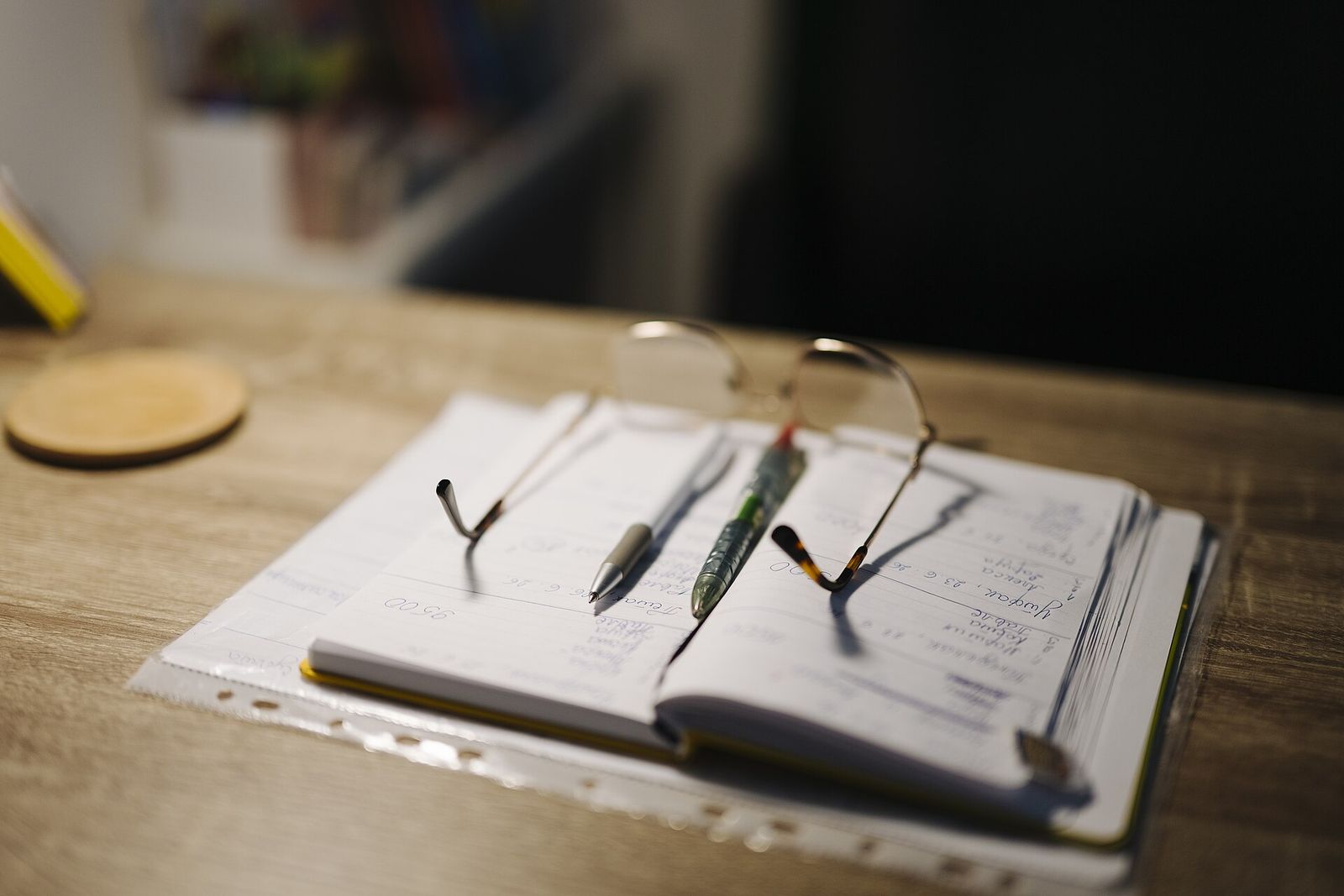
- Desk with notebook, pens and glasses · Photo: Shixart1985, CC BY 2.0 (Resized)
- Huron University Library Quiet Study Area, London, Ontario · Photo: Gogerr, CC BY 4.0 (Resized)