 Haplo
Haplo
Draw between the dots
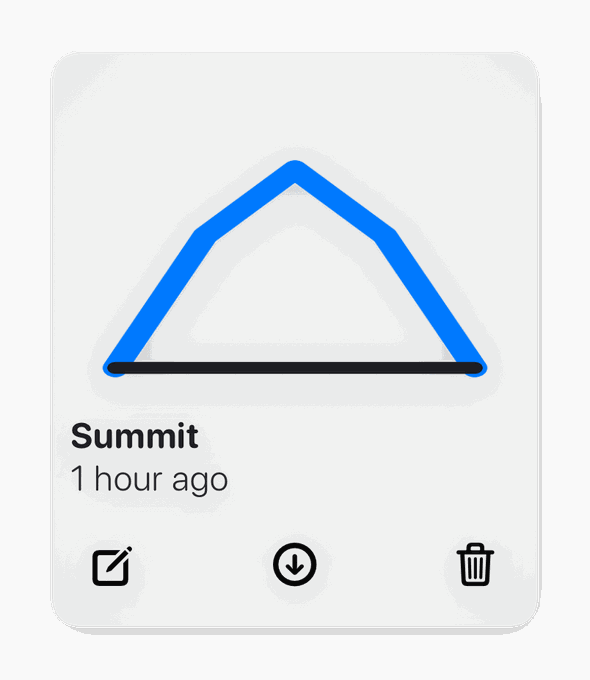
Click a dot, drag to another, and the line lands exactly where it should. Curves snap to the same grid, so nothing ends up half a pixel out.


A grid-built mark that looks designed, without ever opening a design tool.
4.6 · 16 App Store ratings
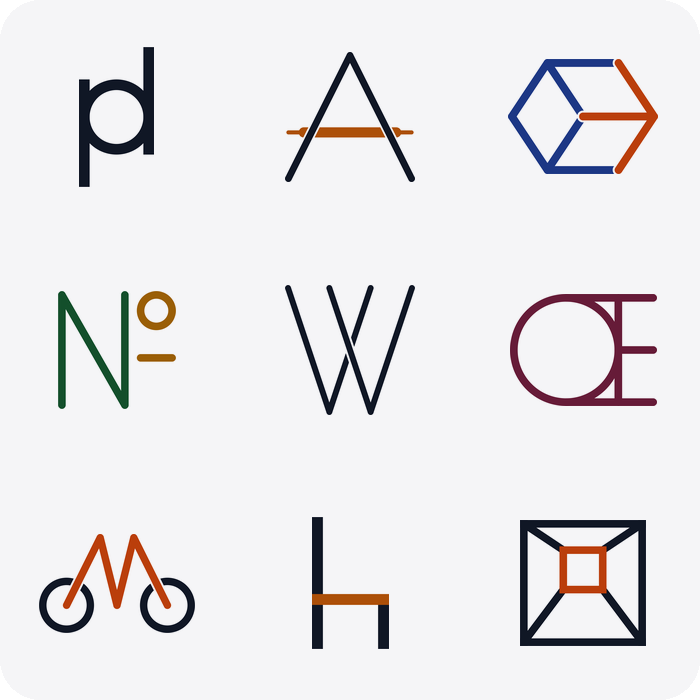
Every shape snaps to the same construction grid, which is most of what separates a considered logo from a shaky one.
Click a dot, drag to another, and the line lands exactly where it should. Curves snap to the same grid, so nothing ends up half a pixel out.
Lines and circles are the whole toolkit. Constrain what you can draw and the results come out looking deliberate rather than fussy.
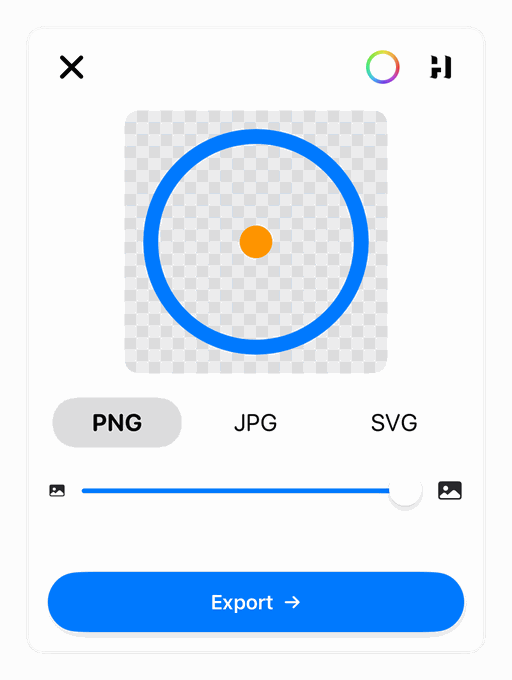
Pick from the palette or paste a hex. Stroke width and line endings are yours too.
PNG for the web and true SVG for print: the vector stays a vector.
Full undo and redo, so experimenting costs nothing at all.
A side project, an app icon, a channel avatar, a placeholder for the deck on Thursday. Not every mark needs an agency.
No subscription, no watermark on the export, and no credit counter draining while you try things.
“Clean, simple, and works great. No bugs, just what I needed!”
“Makes creating logos and icons super easy. It’s saved me so much time!”
“This app makes it so simple to create icon designs! Way better then the alternative”
“Ideal app for prototyping - clear design and easy to use. Waiting for more features:)”
“I enjoyed the app and was able to build a logo for one of my web applications, good stuff!”
“I've been using the iPad version, but the macOS is so much better. Thank you so much for listening to feedback and releasing on mac!”