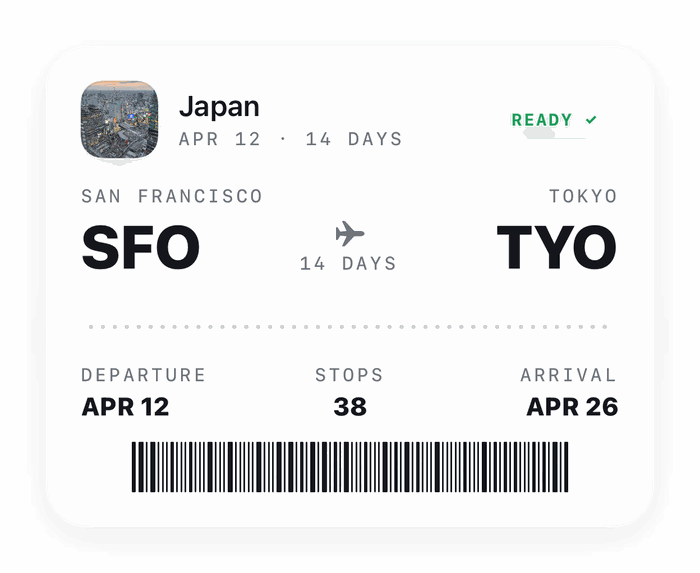
Land with the whole trip already planned.Every day routed so you never double back.Describe the trip once and let it build.Hit the temple before the queue forms.
Day-by-day trip itineraries
Bilbo
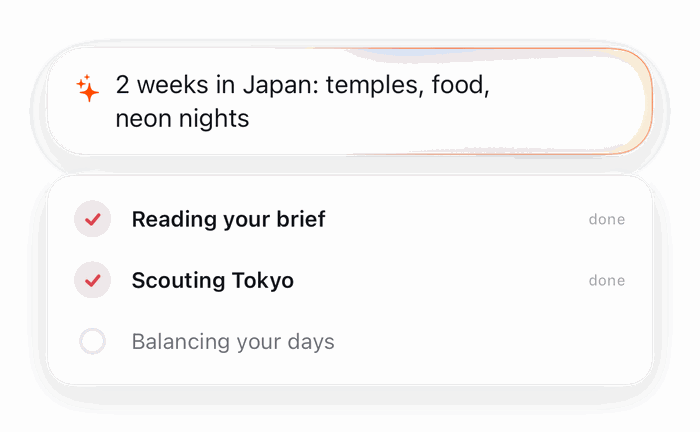
Describe the trip once. Bilbo orders the days, routes the stops and keeps the hours straight.
plays on its own · hover to pause · drag to scrub →
bilbo/features
From a sentence to a full itinerary
Describe the trip once. Bilbo orders the days, routes the stops and keeps the opening hours straight, all on your iPhone.
itinerary
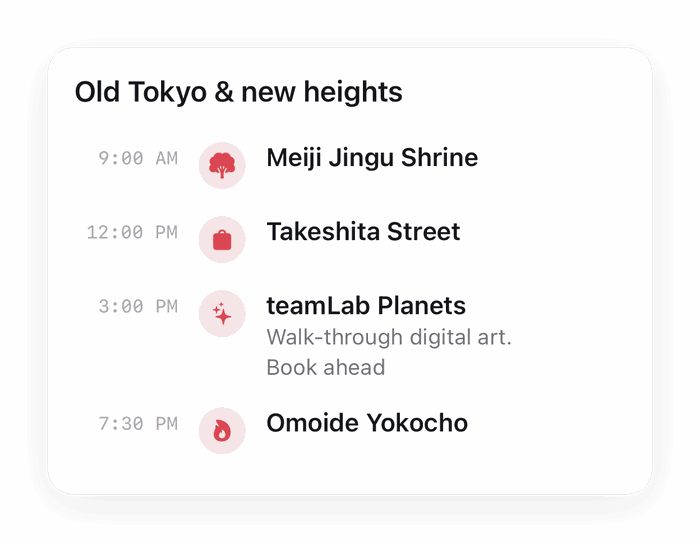
A whole trip, planned in minutes
Give it a city and a few dates. You get a day-by-day plan: what to see, where to eat, and how long each stop realistically takes.
you
5 days in Tokyo, food and temples
⛩ Day 1 · Asakusa → Senso-ji
🍣 Day 2 · Tsukiji → Ginza
🌸 Day 3 · Meiji Jingu → Harajuku
routing
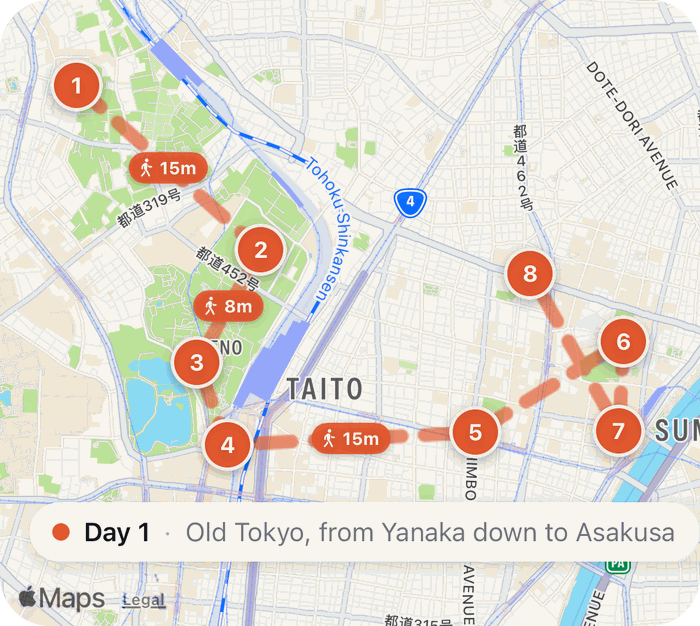
The day, in an order that works
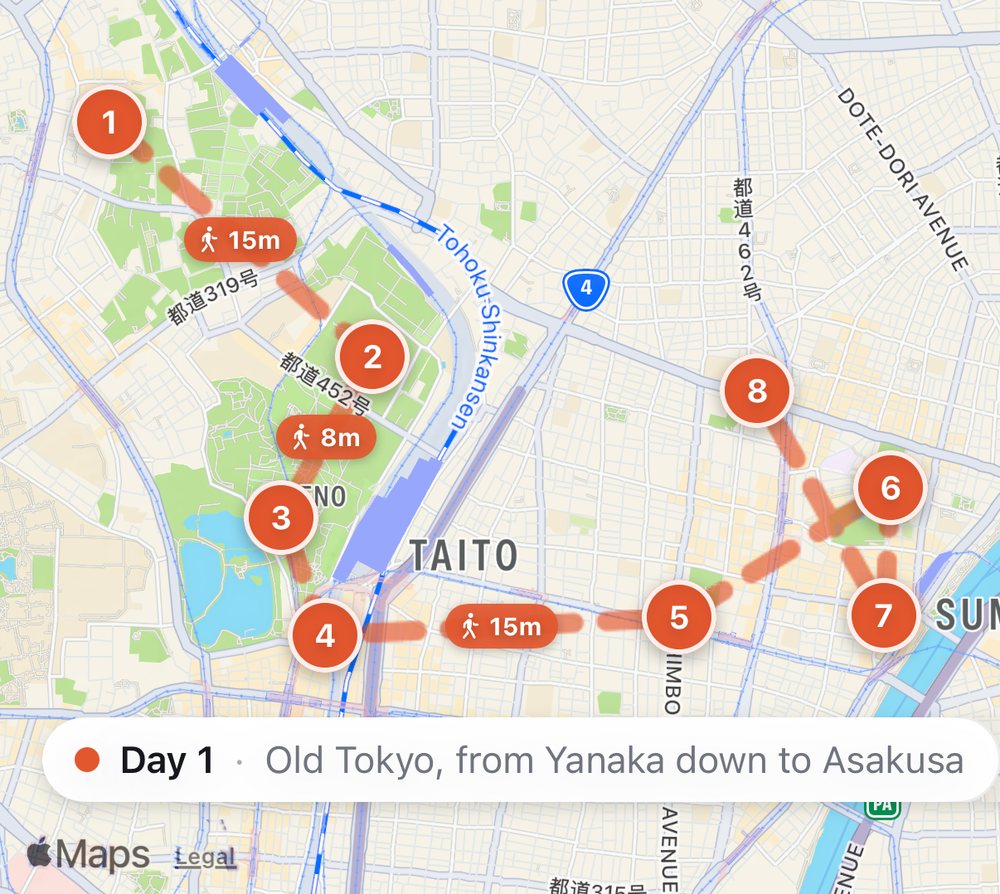
Every stop plotted with the route between them, sequenced so you are not crossing the city twice to see two things on the same street.
tokyo · day 1 · 8 stopsno doubling back
on device
The planning happens on your phone
The model that writes the itinerary runs locally. Looking places up needs the web (searches carry the place name and nothing else), and the trip itself is stored only on your device. Anonymous usage stats go to Google Analytics, and they never include where you're going.
🧠The planning modelwrites the days on your iPhoneon device
🔎Looking places upweb search, Wikipedia, Mapsneeds the net
📊Usage statstaps and screens, never placesanonymous
👤Accountthere isn’t onenever
tickets
Tickets live in the plan
Attach passes, bookings and PDFs to any stop, with a reminder before it starts.
✈️ Flight PDX → TYO
🏯 Ryokan check-in
⛩ Senso-ji, 09:00
passport
Stamp what you have seen
Earn stamps as you travel, or scan your photo library on device to backfill old trips.
We'd like to use Google Analytics cookies to see which pages people read and how they found them. Unless you say yes, Analytics sets no cookies and sends Google only an anonymous count. How it works
 Haplo
Haplo