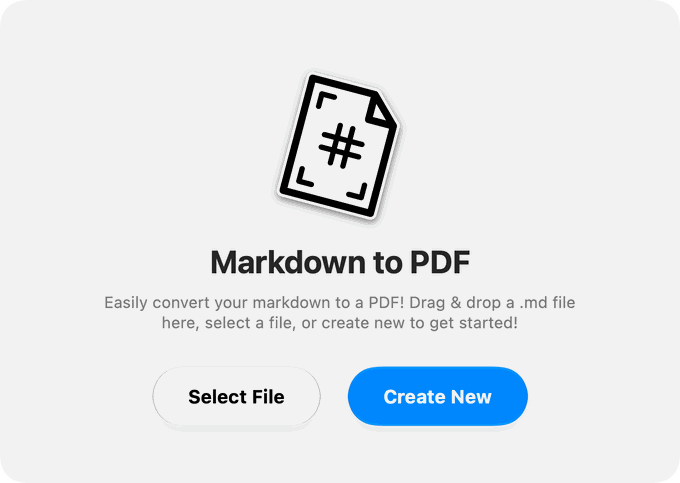
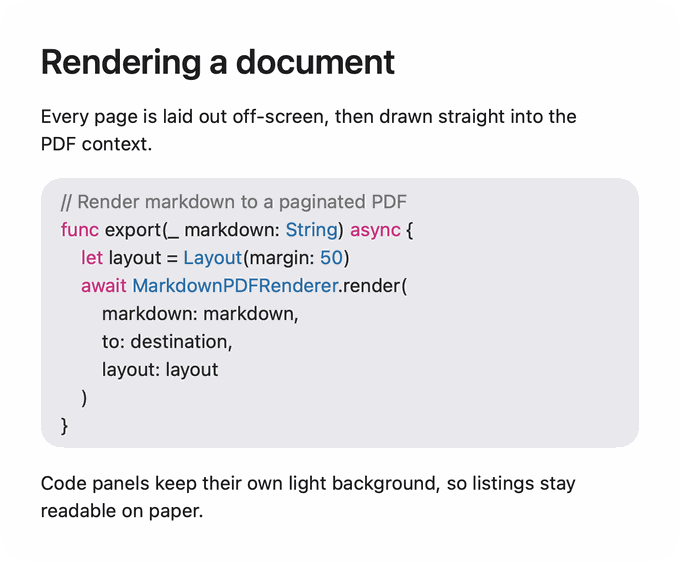
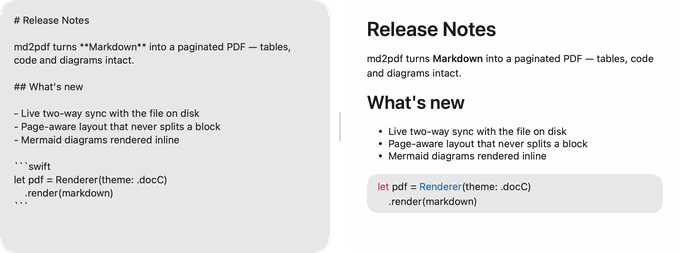
Drop in a file and skip the layout work.Code blocks that stay readable in print.Watch the page take shape as you write.Tables and quotes laid out cleanly on the page.
Markdown into clean PDFs
Markdown2PDF
Markdown in, a laid-out PDF out. One considered theme, with your code blocks highlighted.
markdown2pdf/screens · straight from the App Store
See it running
plays on its own · hover to pause · drag to scrub →
markdown2pdf/features
Markdown in, a laid-out PDF out
Drop a file, get a document that looks like someone laid it out: code highlighted, tables set, diagrams drawn.
md → pdf
One file in, one file out
Drop a .md on the window. There is no import wizard, no project to create, and no settings you have to understand first.
# Quarterly report
Revenue grew **18%** this quarter.
| Region | Rev |
|--------|-----|
| NA | 4.2 |
↓ PDF
speed
Quick, and local
Native Swift doing the layout on your own machine: no upload, no queue, and no waiting on someone else’s server to get to your file.
web toolupload + wait
Markdown2PDFon your Mac
Localnever uploaded
highlighting
Code, highlighted
Swift, JavaScript, TypeScript, Python, Ruby, JSON, HTML, CSS and shell, coloured the way your editor would.
func greet(_ n: String) {
print("hi \(n)")
}
SwiftPython+6 more
tables & math
The awkward bits, handled
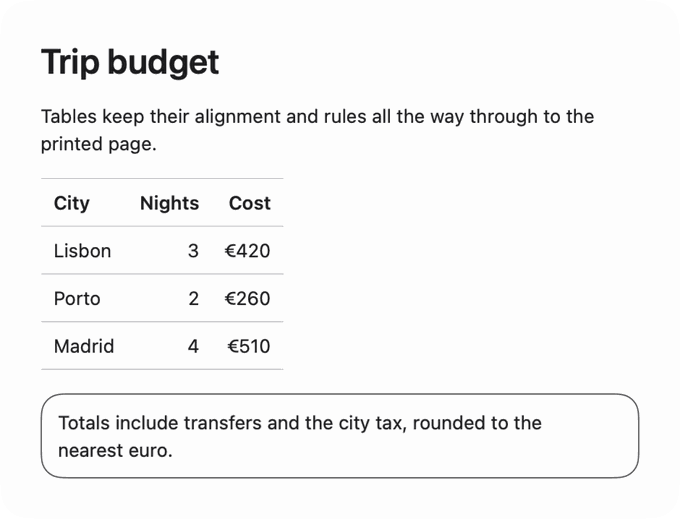
Tables, block quotes and Mermaid diagrams laid out properly. Maths is rendered as Unicode, which covers most of what a README needs.
📊 Tables
🧮 Maths, in Unicode
📈 Mermaid diagrams
themes
One considered look
A single theme (the one the documentation tools use) with proper margins, headings and spacing, so you never pick between eight bad ones.
📄 Headings & margins
📋 Lists & quotes
⌨️ Code blocks
native macos
A Mac app, not a web page in a box
Written in Swift, launches instantly, and works with no connection. Nothing is uploaded to convert it.
🪶 No Electron, no bundled browser
✈️ Works offline
🔒 Your document never leaves the Mac
one payment
Bought once, not rented
A single purchase, with updates included. There is no subscription and no per-document limit waiting for you.
$1.99once, forever♾️ unlimited documents🆓 updates included🚫 no subscription
markdown2pdf/changelog · latest entry
What's new
just shipped
markdown2pdf/reviews · unedited, from the App Store
What people say
★★★★★
“Perfect for converting my Notion notes to pdf with code blocks and equations.”
Sad-Fry
★★★★★
“Clean, simple and delivers on what it promises. Great tool to convert markdown to pdf”
Hilal Elm
★★★★★
“This app does exactly what it says on the tin! Zero fuss, gets me the format I want with no fuss!”
Littlesumos
★★★★★
“Really great quick tool. Quick Markdown PDF, no problem. This is going to speed up my workflow in numerous ways.”
mphsound
★★★★★
“This little utility works like a charm and immediately formats your LLM responses into perfectly formatted PDFs, a total time saver! The developer is very responsive and generous. Thank you so much.”
Dubble-B
★★★★★
“This app does exactly what it promises, and it does it effortlessly. Clean, intuitive, and incredibly easy to use. Looking forward to potential future updates, like an option for MS Word output. Thanks to the developers for a job well done!”
We'd like to use Google Analytics cookies to see which pages people read and how they found them. Unless you say yes, Analytics sets no cookies and sends Google only an anonymous count. How it works
 Haplo
Haplo